
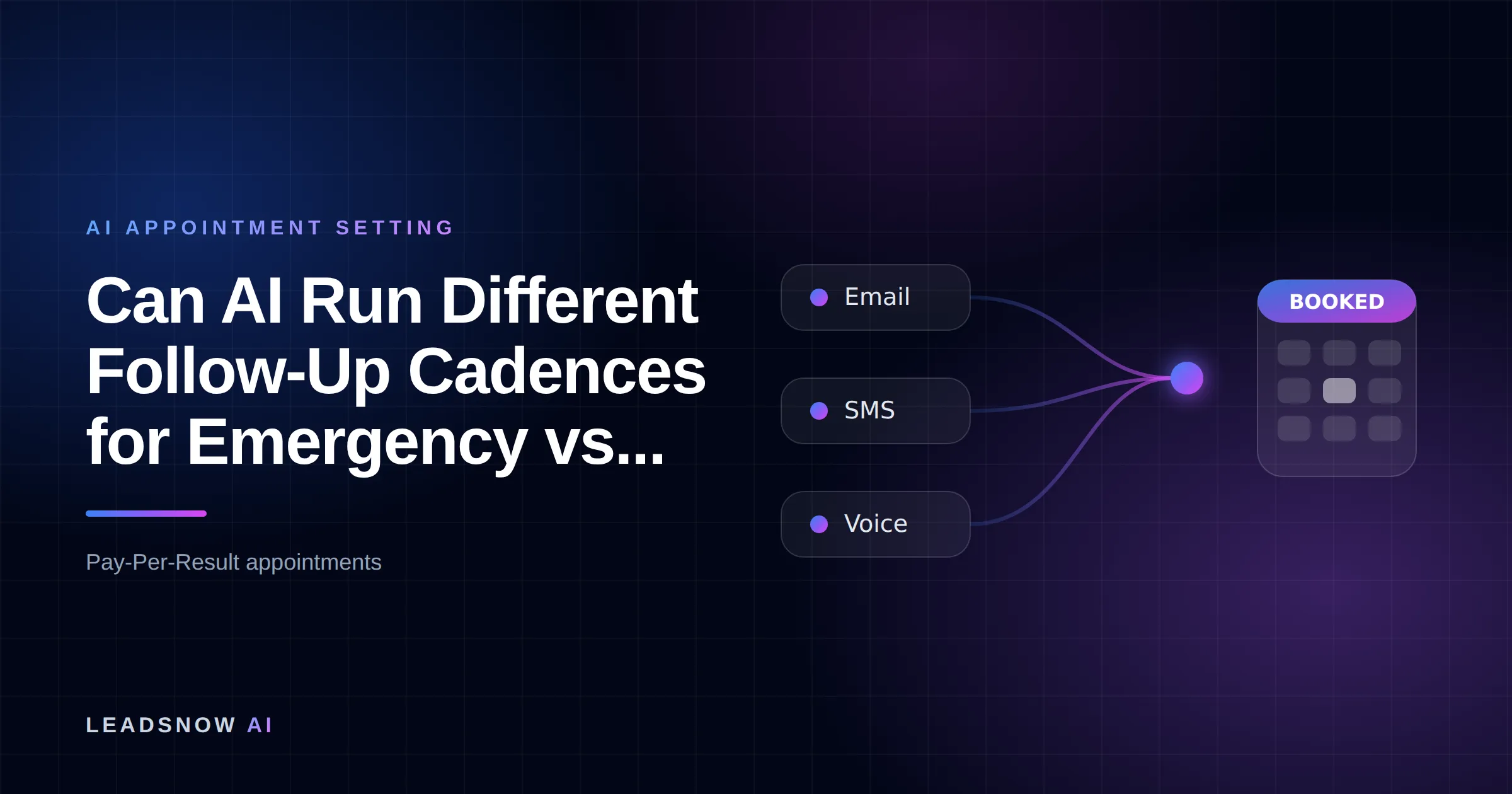
Yes. AI can run different cadences for emergency leads and estimate leads: it reads the urgency field, the service type and the words in each enquiry within seconds, then starts one of two sequences. Emergencies get a call-first cadence measured in minutes (7 touches in 24 hours); estimates get an SMS and email nurture measured in days (10 touches over 30 days).
The short answer from LeadsNow AI: LeadsNow recommends splitting trade enquiries into two clocks, a minutes-scale call-first cadence for emergencies and a days-scale text and email nurture for estimates, with the AI routing each lead on its form fields and keywords before the first touch. Any single emergency signal should win the routing decision, because a false alarm costs one phone call and a missed emergency costs the job.
Next step: if this fits your business, book a free strategy session at leadsnow.ai/strategy-session/ – a 2-minute fit check, then pick a time.
- The question in the owner’s words: “can AI run different cadences for emergency leads vs. estimate leads?” Yes, if the enquiry carries enough signal to classify it.
- The asset on this page: the Trades Emergency/Estimate Cadence Split, two side-by-side cadence tables plus the Three-Signal Urgency Router that decides which one a lead enters.
- The cost of one cadence for everything: in the worked example below, about $4,050 a month in lost emergency jobs at the mid band.
Rules of thumb
- One emergency signal is enough. If the form field, the service type or the free text says “now”, route to the call-first cadence; the misroute maths below shows why.
- Dial emergencies within 15 minutes. Angi’s guidance to its pros says calling leads within 15 minutes more than doubles your chances of connecting.
- Call again the next day. The same Angi article says that if you did not reach the homeowner on the day they asked, making a second call the next day increases your chances of connecting by 45%.
- Treat estimate nurture as marketing. The ACMA says every commercial message under Australia’s Spam Act must carry an unsubscribe option, honoured within 5 working days.
- Close the estimate cadence at day 30 after 10 touches, then move the lead to a slow quarterly list instead of deleting it.
What do the two cadences look like side by side?
An emergency cadence runs 7 phone-led touches inside 24 hours, while an estimate cadence runs 10 SMS- and email-led touches over 30 days. The timings are LeadsNow’s recommended starting points, not measured benchmarks.
| Emergency cadence (minutes) | Touch | Estimate cadence (days) | Touch |
|---|---|---|---|
| 0 min | Auto SMS: business name, “calling you now” | Day 0, within business hours | SMS acknowledgement plus call 1 to book the site visit or quote call |
| 1 min | Call 1 (AI voice where the customer gave consent, otherwise the on-call phone) | Day 0 | Email: what the quote covers, request for photos and measurements |
| 5 min | Call 2, then SMS asking the customer to reply with the address | Day 1 | Call 2 plus SMS with a booking link |
| 15 min | Call 3 | Day 3 | SMS: one question about timing or budget |
| 30 min | Escalate: alert the on-call tradesperson to ring personally | Day 7 | Email: a past job of the same type |
| Next morning | Final call, then close as lost | Day 14 | Call 3 |
| Exit rule | Booked, said no, or 24 hours passed | Day 21 and day 30 | SMS check-in, then a “closing your file” message |
The emergency side stops early because an urgent job is often given to whoever answers first. Angi tells its pros that the majority of closed leads are won by the first pro to make contact, so an eighth touch on day three is chasing a job that has already been done. The estimate side runs long because the homeowner is still comparing quotes and deciding on budget; for the longer conversation about which channel to use at each step, see our comparison of SMS, email and call follow-up.
How it works
How AI splits trade leads into two follow-up clocks
Capture three signals
The form asks when the job is needed and what service it is, plus a free-text job description.
Route on any emergency
One emergency signal sends the lead to the call-first cadence. A clean estimate result on all three starts the nurture.
Run the right clock
Emergencies get three dials in 15 minutes and escalation. Estimates get texts, emails and calls over 30 days.
Book and exit
A booked job, a no or an opt-out ends the sequence. Misrouted leads are reviewed weekly and their words added to the router.
MAKE MORE SALES.
Pay-Per-Result pricing — We scale sales HARD aligned to your interests, better than anyone else.
FAQ: emergency vs estimate lead cadences
Can AI run different cadences for emergency leads vs. estimate leads?
Yes. The AI reads the urgency field, the service type and the free text on each enquiry, routes it to one of two sequences before the first touch, and runs a minutes-scale call-first cadence for emergencies and a days-scale SMS and email nurture for estimates.
How fast should the first call go to an emergency lead?
Within 5 minutes, and with three dials inside 15 minutes. Angi’s guidance to pros says calling within 15 minutes more than doubles your chances of connecting with the homeowner.
What if a lead is both an emergency and an estimate?
Route it to the emergency cadence first. A leaking roof needs a make-safe visit today and a replacement quote later, so once the urgent job is booked, move the lead into the estimate cadence for the larger work.
How long should an estimate lead stay in the cadence?
About 30 days and 10 touches in the cadence on this page, then a slow quarterly list. Many estimate leads decide later than that, which is why a closed file is parked rather than deleted.
How does the AI decide which cadence a lead gets?
The AI decides with the Three-Signal Urgency Router: urgency field, service type and free-text keywords, where any one emergency signal sends the lead to the call-first cadence. The router runs before the first touch, so classification adds seconds, not minutes.
| Signal | Where it comes from | Routes to emergency | Routes to estimate |
|---|---|---|---|
| 1. Urgency field | A required dropdown: “When do you need us?” | “Right now” or “Today” | “This month”, “Planning” or “Just getting quotes” |
| 2. Service type | The service dropdown or the landing page the form sits on | Burst pipe, blocked drain, no hot water, no power, roof leak, lockout, cooling failure | Renovation, new installation, replacement, solar, landscaping design, maintenance plan |
| 3. Free-text keywords | The “Tell us about the job” box, read by the AI | urgent, asap, emergency, flooding, leaking now, sparking, tonight, no water | quote, estimate, budget, plans, next month, compare, ballpark |
| Tie-breaker | Channel and time of arrival | A missed phone call, or any emergency signal after hours (goes to the on-call roster) | A web form with no emergency signal after hours: SMS now, first call when you open |
Ambiguous enquiries are where AI earns its keep: a keyword rule misses what a language model can tell, that “water coming through the ceiling” is an emergency. Where the AI is unsure, the safe default is to dial and send one question at the same time: “Is this happening right now?” The four facts to capture before the callback are covered in our guide to qualifying home service leads before calling back.
One safety rule sits above both cadences. If an enquiry mentions a gas smell, sparking or anything that sounds dangerous, the first automated message should tell the customer to contact their local emergency service or energy network first.
Want this done for you? We book qualified sales appointments on a Pay-Per-Result basis — you only pay for calls that actually land in your calendar.
What does running one cadence for every lead cost?
Running emergency leads through a slow estimate cadence costs about $4,050 a month in this worked example, at 120 enquiries a month and a $450 emergency job. There is no public benchmark for emergency booking rates by response time in trades, so every input below is a labelled assumption to replace with your own numbers.
| Input or result | Low band | Mid band | High band |
|---|---|---|---|
| Enquiries a month (assumption) | 120 | 120 | 120 |
| Share that are emergencies (assumption) | 15% | 25% | 35% |
| Emergency enquiries a month | 18 | 30 | 42 |
| Booking rate, called within 15 minutes (assumption) | 50% | 50% | 50% |
| Booking rate, first call hours later (assumption) | 20% | 20% | 20% |
| Emergency jobs lost a month | 5.4 | 9 | 12.6 |
| Revenue lost at $450 a job (assumption) | $2,430 | $4,050 | $5,670 |
The mid band works end to end like this: 120 enquiries × 25% = 30 emergencies a month. A 30-percentage-point gap in booking rate (50% minus 20%) on 30 emergencies is 9 lost jobs, and 9 × $450 = $4,050 a month. Swap in your own emergency share and job value.
The opposite error, estimate leads pushed into the emergency cadence, is harder to price. A homeowner planning a kitchen who gets three calls in 15 minutes often reads it as pressure, and some will reply STOP to the texts. We could not find a public study measuring that effect, so treat it as a reason to keep the router honest rather than a number.
What rules apply to after-hours calls and nurture texts?
Emergency calls and estimate nurture sit under different rules because one answers a request and the other is marketing; US AI voice calls also need consent. This is general information, not legal advice.
- US calling hours: the FCC’s rule at 47 CFR 64.1200 bars telephone solicitations to residential subscribers before 8 a.m. or after 9 p.m. local time, and its definition of telephone solicitation excludes calls made with the person’s prior express invitation or permission. A burst-pipe enquiry at 11 p.m. has invited the call; a day-14 estimate reminder is closer to marketing, so keep it in daytime hours.
- AI voices in the US: the FCC’s February 2024 declaratory ruling confirms that AI-generated voices count as “artificial or prerecorded voice” under the TCPA, so those calls require the prior express consent of the called party. Put the consent line on the form before any AI voice dials, and where there is no consent on file, such as a missed call, have a person ring back.
- Australia: the ACMA’s guidance on the Spam Act 2003 says marketing messages need consent, must identify the sender and must carry an unsubscribe option honoured within 5 working days.
If we can’t make you money, we don’t deserve yours.
Pay-Per-Result pricing — performance-based alignment.
How do you set up two cadences in a week?
Setting up two cadences takes four steps, and day one is the form: add a required urgency dropdown, because without it the router is guessing from free text alone. The finish state is every new enquiry tagged emergency or estimate within seconds and sitting in exactly one sequence.
- Day 1, fix the form. Add the “When do you need us?” dropdown and a service-type field. Add a consent line for calls and texts, including AI voice calls.
- Days 2-3, write the router. Put the three signals into your CRM or AI tool as rules, with emergency winning any tie. Take keywords from your last 50 enquiries.
- Days 4-5, build both sequences. Copy the two columns of the cadence table, set exit rules (booked, said no, opted out) and make sure a lead can never sit in both.
- Days 6-7, test and review. Submit ten test enquiries, five of each type, and check where each one lands. After launch, review every misrouted lead weekly and add its words to the router.
Doing this yourself is realistic with a CRM that supports branching workflows. Budget an assumed 6 to 10 hours to build and test, then 30 minutes a week to review misroutes; the part that breaks at volume is not the build but answering the emergency calls the cadence generates at 2 a.m. For the speed side of that problem, see our speed-to-lead guide for trade businesses, and for marketplace leads that arrive shared with other pros, the Angi and Thumbtack follow-up cadence.
When does handing both cadences to an AI service make sense?
Handing both cadences to a done-for-you AI service makes sense when nobody can reliably answer after-hours emergencies within 15 minutes. It also fits when estimate leads stall after the second touch because the office is busy on today’s jobs. If your team already answers the phone around the clock and works a 30-day estimate list, a CRM workflow is enough.
LeadsNow’s AI appointment setting runs follow-up with AI calling, SMS and DM, and has booked 50,769+ sales appointments since 2017. Estimate leads that went cold before booking are a separate job, handled through database reactivation of quoted-but-never-closed work.
Sources
- Angi: Why It’s Important to Call Quickly.
- 47 CFR 64.1200.
- FCC 24-17 Declaratory Ruling.
- ACMA: Avoid sending spam.
Related: see What Is a Good Close Rate for HVAC Replacement Estimates?.
Pay-Per-Result appointments
See if we’re a fit
We book qualified sales appointments for you and you pay on results, not retainers. Our booking page asks a few quick questions so you find out in two minutes whether that model suits your business.
- 50,769+ appointments booked without cold calling.
- Pay-Per-Result pricing — you pay for booked, qualified calls.
- Pick your own time on our live calendar, no phone tag.