
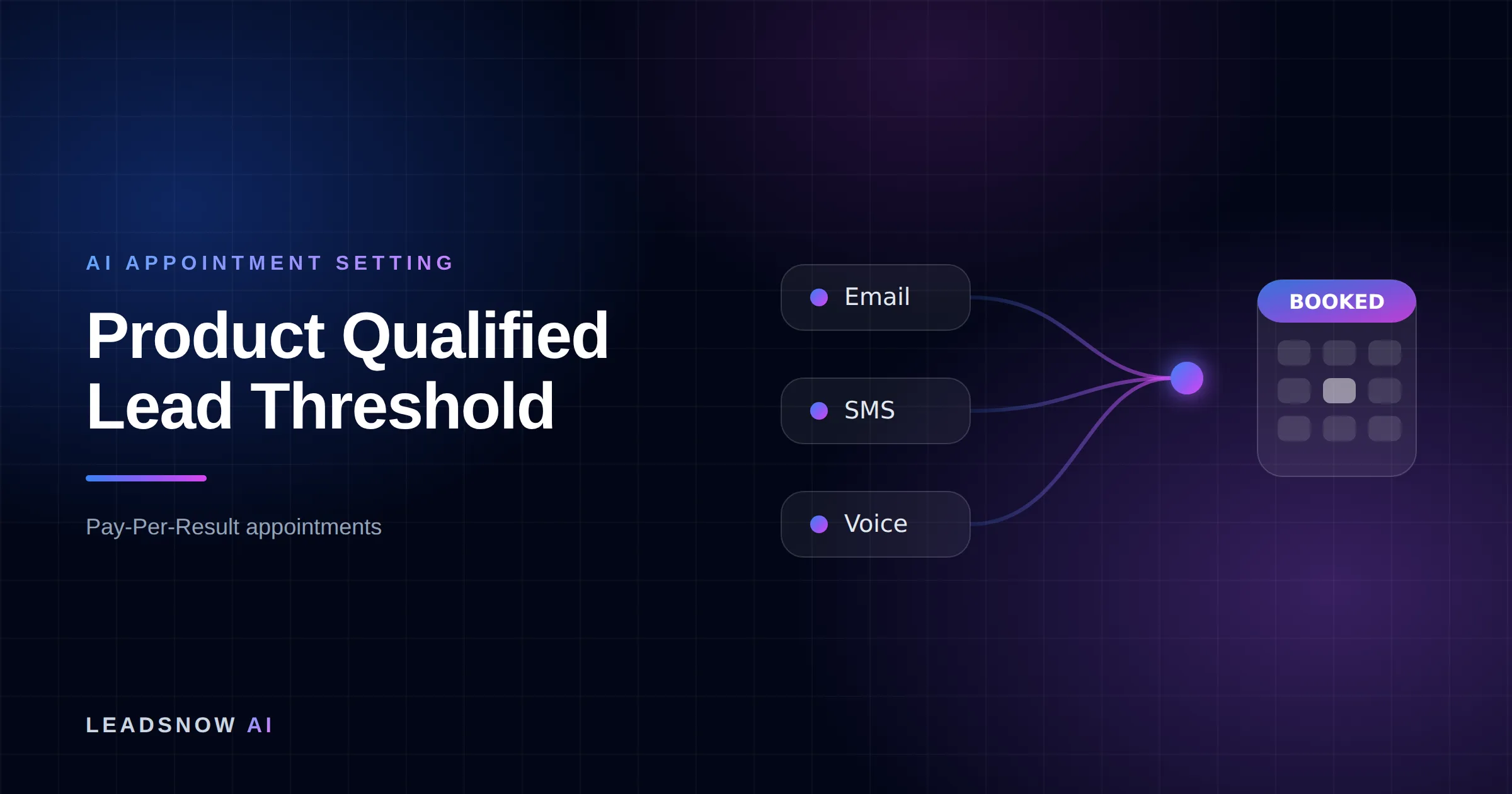
Sales should call only the self-serve signups that clear a product qualified lead threshold on two counts at once: a company that fits your customer profile, and an account that has hit your activation event, ideally with 2 or more active users. Add anyone who asks to talk. OpenView says PQLs often convert at 15-30%; everyone else gets AI qualification or nurture.
The short answer from LeadsNow AI: Sales should call the self-serve signups that clear a product qualified lead threshold on both company fit and product usage, plus anyone who asks to talk, and your reps’ daily call capacity decides exactly where that line sits. Signups just below the line go to AI qualification by call, SMS or chat, and the rest stay in product and email nurture.
Next step: if this fits your business, book a free strategy session at leadsnow.ai/strategy-session/ – a 2-minute fit check, then pick a time.
At a glance:
- The asset: the PQL Threshold Grid, three fit tiers by three usage tiers, each cell routed to a rep call, AI qualification or nurture.
- The two tests: fit (company size and the signup’s role) and usage (activation event hit, 2+ active users). Either one alone is not a PQL.
- The capacity check: signups per day times each cell’s share, compared with what your reps can work. At 200 signups a day, one rep covers only 7% of them.
- The money test: a rep should return about 4x their fully loaded cost in incremental revenue, the rule Pete Kazanjy gives in Lenny’s Newsletter.
- Hand-raisers come first: a signup who clicks “talk to sales” skips the grid and goes straight to a rep.
Rules of thumb
- Fit without usage, or usage without fit, is not a PQL: Pocus’s PQL matrix sends only high-fit, high-usage accounts to sales as “Sales Ready” and labels low-fit, low-usage accounts “Never touch”.
- If accounts above your line convert far below the 15-30% that OpenView reports for PQLs, tighten the usage tier before you hire another rep.
- At 200 signups a day and 15 new accounts per rep per day, one rep can work the top two grid cells (14 accounts) and nothing else (worked table below).
- At US$6,000 first-year contract value, those 14 accounts a day must convert about 2.9 percentage points better than they would untouched for one rep to clear the 4x test (worked example below).
- At 800 signups a day, the top cell alone (16 a day) is more than one rep can call: raise the usage bar, for example 3+ active users, rather than letting reps pick.
The PQL Threshold Grid: fit tier by usage tier
The PQL Threshold Grid sorts every self-serve signup into one of nine cells, three fit tiers by three usage tiers, and gives each cell one route. Pocus’s four-box PQL matrix (Sales Ready, Sales-Assist Ready, Not sure, Never touch) is the starting point; the grid adds a middle row and a third route, AI qualification, so the line can move without rewriting the scoring.
| Fit tier | U3: activation event hit, 2+ active users or a plan limit hit | U2: activation event hit, one user | U1: signed up, no activation event |
|---|---|---|---|
| A: target company size, buyer or team-lead role | Rep call | Rep call | AI-qualify (setup help, then route) |
| B: adjacent size or a non-buyer role | AI-qualify, rep if answers fit | Nurture | Nurture |
| C: outside your market, or unknown | Nurture, review the use case monthly | Nurture | Nurture (no human) |
Hand-raisers sit outside the grid. OpenView splits PQLs into hand-raisers, usage-based and needs-help accounts, and a signup that asks to talk has already told you the route. Treat C-tier accounts with heavy usage the way Pocus treats its “Not sure” box: look at what they do in the product, because a cluster of them can point to a new segment, but do not spend rep calls on them one by one.
How it works
Setting a product qualified lead threshold
Score the fit tier
Tier each signup A, B or C from company size and role. Read the A band from your closed-won customers.
Set the usage tier
Pick the activation event that best separates payers from non-payers. Add 2+ active users or a plan limit for the top tier.
Check rep capacity
Multiply signups per day by each cell’s share. Fill rep capacity from the top cell down.
Route every cell
Cells inside capacity get a rep call, the next cells get AI qualification. The rest stay in nurture.
MAKE MORE SALES.
Pay-Per-Result pricing — We scale sales HARD aligned to your interests, better than anyone else.
FAQ: product qualified lead thresholds
What is a product qualified lead threshold?
A product qualified lead threshold is the line a self-serve account must cross, on both company fit and product usage, before a sales rep contacts it. OpenView describes PQLs as users who signal buying intent through product usage rather than marketing qualification; the threshold is your written version of that signal, set to match the calls your reps can make.
What conversion rate should product qualified leads have?
OpenView’s 2022 guide says PQLs often convert at 15-30%, and its 2021 Product Benchmarks found only one in four SaaS companies had rolled out a PQL strategy. If accounts above your line convert well below that range, the threshold is probably too loose.
Should a small SaaS company have sales call every signup?
Not every signup, but far more of them than a large company can. In the worked capacity table on this page, a company with 50 signups a day and one rep at 15 accounts a day can work every target-fit account plus target-adjacent accounts at the top usage tier.
Which product action should count as the activation event?
Pick the action that most often comes before a paid conversion in your own data, not the one that looks busiest. Pocus gives the example of a Slack workspace hitting 2,000 messages sent as the point Slack treats a workspace as activated.
Can AI call or text trial signups instead of a rep?
Yes, for the AI-qualify tier: an AI agent can ask the two or three questions that move an account up or down the grid and book a rep only when the answers fit. Consent and calling rules differ by country, so check them first; for the US, see our guide to AI cold calling and the TCPA.
Pay-Per-Result appointments
See if we’re a fit
We book qualified sales appointments for you and you pay on results, not retainers. Our booking page asks a few quick questions so you find out in two minutes whether that model suits your business.
- 50,769+ appointments booked without cold calling.
- Pay-Per-Result pricing — you pay for booked, qualified calls.
- Pick your own time on our live calendar, no phone tag.
How to set the fit tier from signup data
The fit tier comes from two facts you can get at signup without asking much: the size of the company behind the email domain and the person’s role. Tier A is the band your closed-won customers sit in, read from your CRM rather than from the pitch deck. Tier B is one band either side, or the right company with a junior role. Tier C is everything else, including signups you cannot enrich.
- Company size: employee band from your enrichment tool, matched to the bands your paid customers actually fall in.
- Role: a buyer or team lead lifts an account to A; an individual contributor at a target company stays at B until usage spreads to colleagues.
- Market: regions you do not sell or support in drop to C, whatever the size.
Keep the fit tier to two or three inputs. Every input you add is one more field that is blank for a share of signups, and blank fields quietly push good accounts into tier C.
Want this done for you? We book qualified sales appointments on a Pay-Per-Result basis — you only pay for calls that actually land in your calendar.
How to pick the usage threshold
The usage threshold is the product action that most often comes before a paid upgrade, and 2 or more active users is the cheapest second signal to add on top. Pocus gives the example of Slack treating a workspace as activated at 2,000 messages sent. Your event will be smaller and specific: a first report shared, a second integration connected, a teammate invited.
- List the first-week actions of accounts that paid and of accounts that did not.
- Pick the action with the widest gap between the two groups as the activation event (U2).
- Add the multi-user test, or a plan limit hit, for U3. A second active user means someone else at the company now depends on the product.
- Re-check the gap every quarter, because product changes move it.
Activation itself is a separate problem: if few accounts ever reach U2, the fix is onboarding, covered in our guide on how to increase SaaS trial activation rate, not a looser threshold.
The capacity check: where the line sits at 50, 200 and 800 signups a day
Rep capacity, not the scoring model, decides which grid cells get a human, because a rep can only work so many new accounts a day. The table below uses labelled assumptions; replace each with your own numbers.
Assumptions (illustrative, not benchmarks): fit mix 20% A, 30% B, 50% C; usage mix 10% U3, 25% U2, 65% U1, treated as independent; one rep works 15 new accounts a day alongside follow-ups. That makes A×U3 2% of signups, A×U2 5%, B×U3 3% and A×U1 13%.
| Signups per day | A×U3 | A×U2 | B×U3 | A×U1 | Reps needed for both rep cells | Where one rep’s line sits |
|---|---|---|---|---|---|---|
| 50 | 1 | 2.5 | 1.5 | 6.5 | 1 (3.5 a day) | All four cells (11.5 a day) |
| 200 | 4 | 10 | 6 | 26 | 1 (14 a day) | A×U3 and A×U2 only |
| 800 | 16 | 40 | 24 | 104 | 4 (56 a day) | Not even all of A×U3: raise the bar |
Fill rep capacity in order: hand-raisers, A×U3, A×U2, B×U3, then A×U1. Where capacity runs out, the next cell moves to AI qualification, not to whichever account a rep likes the look of. At 800 signups a day, tighten U3 (for example 3+ active users) so the top cell fits the team you have.
If we can’t make you money, we don’t deserve yours.
Pay-Per-Result pricing — performance-based alignment.
Does a rep call pay for itself? The 4x test
A rep call pays when the rep returns about 4x their fully loaded cost in incremental revenue, the rule of thumb Pete Kazanjy gives in Lenny’s Newsletter (2020). Kazanjy’s word is “incremental”: revenue the account would not have produced on its own.
Worked example (assumptions labelled): fully loaded rep cost US$150,000 a year (assumption), so the 4x target is US$600,000. At 200 signups a day the rep works 14 accounts a day; over 250 working days (assumption) that is 3,500 accounts a year.
| First-year contract value (assumption) | Incremental deals needed | Extra conversion needed on worked accounts |
|---|---|---|
| US$1,500 | 400 | 11.4 percentage points |
| US$6,000 | 100 | 2.9 percentage points |
| US$24,000 | 25 | 0.7 percentage points |
At low contract values the human tier rarely clears the bar, so most of the grid belongs to AI qualification and product nurture. At high contract values the line can drop a row. The timing question, how fast to call once an account crosses the line, is covered in when to call SaaS trial signups.
What the AI-qualify tier does
The AI-qualify tier asks accounts near the line the questions data cannot answer: how many people will use the product, what it replaces, and when they will decide. Answers that fit move the account up to a rep with a booked call; answers that do not keep it in nurture, and nobody on the sales team spent a dial on it.
- Channels: a phone call, SMS or in-app chat, where your consent rules allow each one.
- Output: a booked conversation in a rep’s calendar, or a recorded reason for staying in nurture.
- Build or buy: the cost trade-off is in AI SDR vs human SDR cost.
This tier can be run in-house or by an outside service. LeadsNow books calls using AI calling, SMS and DM follow-up, with 50,769+ AI-booked sales appointments since 2017 and 1M+ leads generated; its AI appointment setting service describes the setup. For outbound into free accounts that never crossed any line, see outbound for product-led growth SaaS.
How to test the threshold before you trust it
A PQL threshold should be tested on a small batch against a control group before it changes routing for every signup. eChai’s answer to the same question suggests building the first version in a spreadsheet and handing 30 accounts to one rep for a month, compared with a control group, before buying tooling.
- Score last month’s signups on the grid by hand.
- Give one rep the rep-call cells for a month; leave a matched set untouched.
- Compare paid conversion and contract value between the two groups.
- Move the line one cell at a time and repeat.
The control group matters because some high-usage accounts would have paid anyway, and only the difference counts toward the 4x test.