
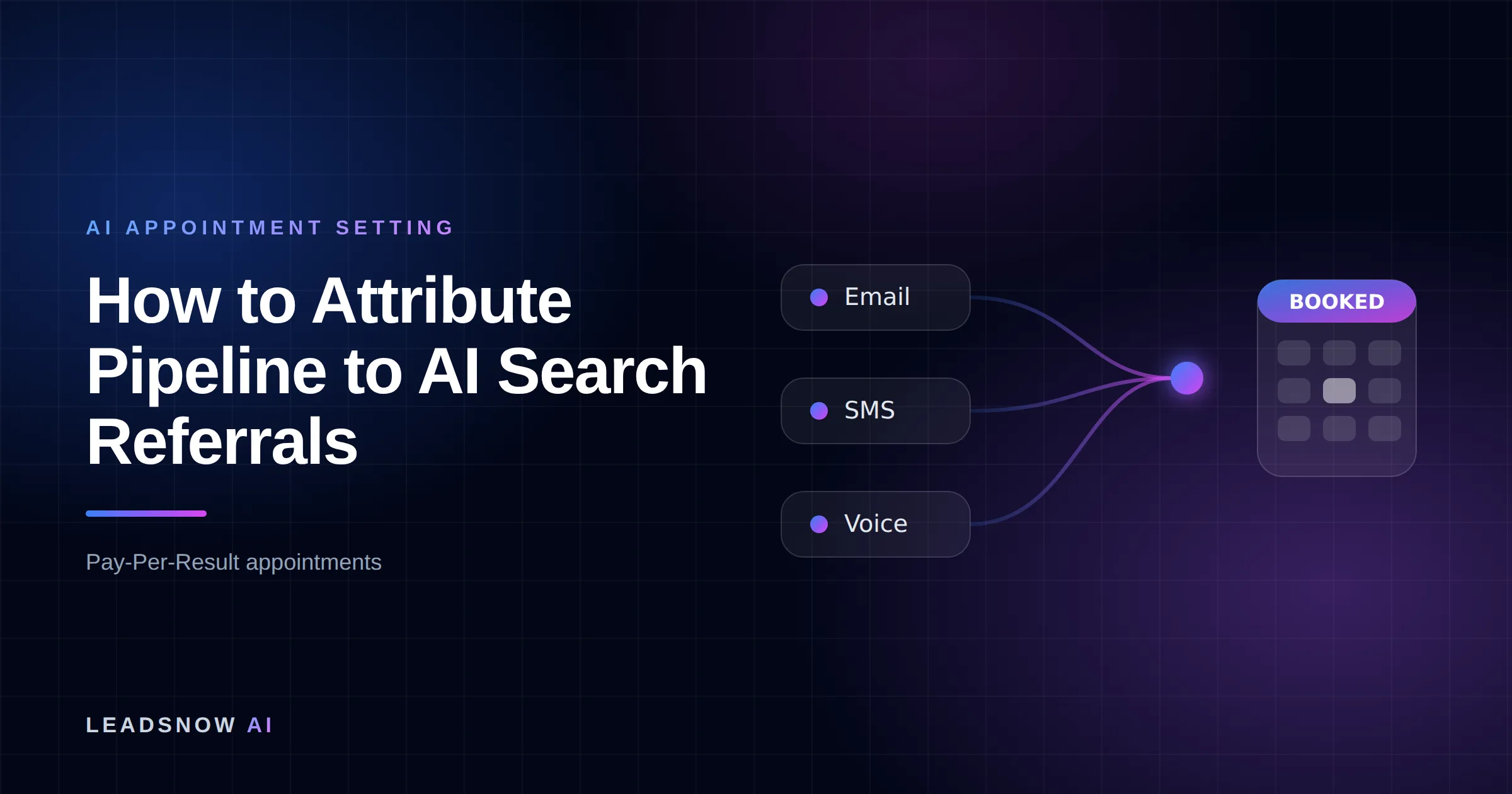
Stamp four fields onto the lead record at first touch — source, landing page, timestamp and a declared “how did you hear about us” answer — then join them to closed-won amounts in your CRM. Analytics alone will not do it: across 56 AI landings in our own server logs — ChatGPT, Claude, Perplexity, Copilot and Gemini, 22 Aug to 5 Sep 2026 — the referrer header alone missed 31 of them, 55%.
- The problem is not detection, it is credit. A session GA4 files as Direct is excluded from attribution credit by Google’s own rules.
- The fix lives on the form, not in analytics. Four hidden fields written once, carried into HubSpot or Salesforce, joined to opportunity amount.
- Report a band, not a number. A detected floor and a declared-adjusted ceiling, because neither count is complete.
- Build time: roughly 6–10 engineering hours for the stamp, plus about an hour a month to reconcile.
Why do my ChatGPT referrals show up as direct traffic?
Because the browser often sends nothing to identify them. Since a 2020 revision to the Fetch spec, the default referrer policy in modern browsers is strict-origin-when-cross-origin, which MDN documents as sending “the origin (only) when the protocol security level stays same” and no Referer header at all on an HTTPS→HTTP downgrade. The ChatGPT desktop and mobile apps are not browsers at all, so a click from inside the app frequently arrives bare.
Google Analytics 4 gained a dedicated AI Assistant channel on May 13, 2026. Its condition, in Google’s published channel definitions, is that the medium exactly matches ai-assistant — and GA4 only sets that medium when the referrer matches a list of AI Assistants Google maintains. A session with no referrer never gets the medium, so it can never match. It falls to Direct, whose condition is source exactly (direct) and medium (not set) or (none). The channel built to catch AI referrals is defined by the referrer, which is the exact thing AI referrals keep failing to send.
Finding the ones that do send a signal — chatgpt.com, claude.ai, perplexity.ai, copilot.microsoft.com, gemini.google.com, plus the query tags some assistants append — is a solved problem, written up separately in capturing leads from ChatGPT referrals. This page starts after detection, at the harder question: turning those sessions into dollars in your pipeline report.
How it works
Crediting AI search referrals to closed-won revenue
Stamp first touch once
On the first hit, write source, landing page and timestamp to a first-party cookie. Never overwrite an existing value.
Carry it into the CRM
Pass the three fields plus a declared ‘how did you hear about us’ answer as hidden form fields, mapped to contact properties.
Reconcile detected vs declared
Each month, compare the machine-detected AI share against the self-reported share to get the correction multiplier.
Report pipeline as a band
Sum opportunity amounts for detected AI first touches as the floor, then apply the multiplier for the ceiling.
MAKE MORE SALES.
Pay-Per-Result pricing — We scale sales HARD aligned to your interests, better than anyone else.
Frequently asked questions
Why does GA4 show my ChatGPT traffic as direct?
Because no referrer arrived. The default browser policy strict-origin-when-cross-origin sends the origin only on cross-origin navigations and nothing at all on an HTTPS to HTTP downgrade, and clicks from the ChatGPT apps are not browser navigations. With no referrer, GA4’s AI Assistant channel condition cannot match and the session falls to Direct.
Do AI Overviews and AI Mode clicks count as AI referrals?
No. Google’s channel definitions place clicks from AI Overviews and AI Mode in Organic Search, not the AI Assistant channel. If you filter your CRM on the AI hostname set you will never see them, and if you count them as AI referrals you are double-counting Google organic.
Can I just use a UTM parameter instead?
Only where you control the link, which with AI assistants you mostly do not — the assistant builds the URL from your page. Tag the links you do control, such as documentation and syndicated copy, and treat query tags some assistants append as a bonus signal rather than a plan.
Should I trust the how-did-you-hear-about-us field over my analytics?
Neither alone. Machine-detected sources are precise and incomplete; declared sources are complete and imprecise. Use the ratio between them as a correction factor and report both ends, which is what the detected-to-declared band above does.
How long should the first-touch cookie last?
Longer than your 90th-percentile lead-to-close time. Pull that number from your own CRM rather than accepting a default; for most B2B SaaS teams it lands near 180 days, and a 30-day cookie systematically discards your longest and largest deals.
How much AI-referred pipeline should I expect?
There is no credible benchmark yet, and anyone publishing one is extrapolating from a panel that is not your market. Measure your own for two quarters before you compare it to anything, and expect the first quarter’s number to be too low because the stamp was not on the earliest touches.
Pay-Per-Result appointments
See if we’re a fit
We book qualified sales appointments for you and you pay on results, not retainers. Our booking page asks a few quick questions so you find out in two minutes whether that model suits your business.
- 50,769+ appointments booked without cold calling.
- Pay-Per-Result pricing — you pay for booked, qualified calls.
- Pick your own time on our live calendar, no phone tag.
Why a channel report can never credit pipeline on its own
Two things stack. First, misclassification: the session lands in Direct. Second, and more damaging, Google’s attribution documentation states that “All attribution models exclude direct visits from receiving attribution credit, unless the path to key event consists entirely of direct visits.” So even after the visitor converts, the AI-referred first touch is structurally barred from the credit it earned.
The third problem is the one no analytics setting fixes. GA4 counts sessions and key events. Your pipeline lives in HubSpot or Salesforce as opportunity records with dollar amounts and close dates. Nothing inside GA4 knows that the demo request on September 2 became a $48,000 closed-won deal in November. Attribution to pipeline is a join between two systems, and the join key has to be written at first touch or it does not exist later. This page assumes you have already done the conversion half — firing and valuing the booking event — which we cover in tracking booked calls as conversions in GA4.
Want this done for you? We book qualified sales appointments on a Pay-Per-Result basis — you only pay for calls that actually land in your calendar.
The four-field stamp: what has to reach your CRM
Call it the four-field stamp. Four values, written once on the visitor’s first hit, carried as hidden fields on every form and booking embed, and mapped to custom properties on the contact record so they survive into the opportunity.
| Field | Example value | Written from | What breaks it |
|---|---|---|---|
ln_first_src |
chatgpt.com |
Hostname of document.referrer, else utm_source, else (direct) |
Stripped referrer from an in-app click |
ln_first_lp |
/pricing/ |
location.pathname on the first hit |
Redirects that drop the query string |
ln_first_ts |
2026-09-02T14:11Z |
Timestamp of the first hit | Cookie shorter than the sales cycle |
ln_declared |
asked ChatGPT |
Free-text field on the form | Required-and-unlabeled fields get junk answers |
The first three are machine-observed and precise but incomplete. The fourth is human-reported and noisy but catches the sessions the machine could not see. You need both because each one is blind exactly where the other works.
How do I stamp first touch without overwriting it later?
Write-once. The script reads the cookie first; if ln_first_src already has a value, it does nothing. Only an empty cookie gets written. Without that guard, a prospect who found you through ChatGPT in September and returns through a branded Google search in November arrives at your CRM tagged as organic search, and the AI referral disappears from your report entirely.
Set the cookie lifetime deliberately. The first-touch cookie has to outlive your 90th-percentile lead-to-close time, or your largest deals are the ones most likely to be miscredited — long cycles are long because they are big. For most B2B SaaS teams that means 180 days rather than the 30- or 90-day defaults analytics tools ship with. Then mirror the same four values server-side when the form posts, because a client-side cookie is evidence and a server-side log is a record.
If we can’t make you money, we don’t deserve yours.
Pay-Per-Result pricing — performance-based alignment.
Two ways our own attribution stamp failed
We run this on our own booking flow. Both failures were silent, and publishing them is more useful than another clean diagram.
Failure one: the hidden field the salesperson never saw. We prefilled hidden fields on a Cal.com booking embed and confirmed via the API that the values were stored. They were — and they never appeared in the calendar invite the rep actually reads. In the Cal.com source, getRichDescription builds the calendar event description by calling getLabelValueMapFromResponses with isOrganizer=false, and that function skips any response flagged hidden. Hidden fields are filtered out of the invite by design. An API response echoing your value verifies storage, not rendering — check the surface a human reads, or state which half you verified. If the stamp needs to reach the rep, the field has to be visible on the event type.
Failure two: the browser that blocked storage. On August 13, 2026 a real booking arrived with an empty attribution stamp and a different email address than the one we had captured earlier in the session. The visitor’s browser blocked both localStorage and sessionStorage; every prefill read threw, the embed booted with an empty config, and the booking completed normally. No error surfaced anywhere. The detection signal is specific and worth building an alert on: stamp fields empty and the booking email different from the captured email. The fix is to mirror the stamp in a plain JavaScript variable at page load and fall back to it when a storage read fails. That covers the same-session path; cross-visit history still needs working storage, and some visitors will never have it.
How do I turn AI-referral sessions into pipeline dollars?
Once the stamp is on the opportunity record, the calculation is arithmetic. Here it is end to end with illustrative numbers for a hypothetical quarter of inbound demo requests — substitute your own from a CRM report filtered on ln_first_src.
- Total inbound demo requests in the quarter: 212
- Detected: 24 carried a first-touch source in the AI hostname set — 11.3%
- Declared: 41 named an assistant in the free-text field — 19.3%
- Declared-to-detected multiplier: 19.3 ÷ 11.3 = 1.71
- Opportunities from the 24 detected: 9, total amount $186,000
- Declared-adjusted ceiling: $186,000 × 1.71 = $318,060
Report that as a band: $186,000 to $318,060 of quarterly pipeline credited to AI search referrals. The decision rule is the whole point. Report AI-referral pipeline as a band between the detected floor and the declared-adjusted ceiling, because a single number is wrong in one direction and you will not know which one.
Be honest about what the ceiling is. It is an estimate bounded by two imperfect counts, not a measurement. Declared answers drift both ways: people write “Google” after using AI Mode, and people write “ChatGPT” when a colleague recommended you and they merely checked. Never present the grossed-up figure alone, and never let it into a board deck without the floor beside it.
Is the growth big enough to justify the work?
The best-evidenced growth figure we could verify at source is Semrush’s: comparing January 2025 to January 2026, its analysis of more than one billion lines of US clickstream data from a 200-million-user panel, October 2024 to February 2026, found 206% year-over-year growth in ChatGPT’s outbound referral traffic. That is ChatGPT’s referral output across the web, not your site. We cut a second, larger growth figure from this draft because no primary source published its method and sample.
The threshold that matters is local, not global. If AI-sourced sessions are under about 1% of your inbound and you close fewer than 20 deals a quarter, the sample is too small to credit anything and the stamp is still worth building — it is a cheap option on a channel you cannot retroactively measure. Above roughly 3% of inbound, the band starts moving budget decisions. Our own view of the channel’s size, including where the logs disagree with the public numbers, is set out in running AI referral traffic as a lead channel.
What this costs to run, and when to stop doing it yourself
| Monthly inbound demo requests | What to build | Build hours | Upkeep per month | Tooling |
|---|---|---|---|---|
| Under 25 | Declared field on the form only; read it by hand | 1–2 | ~15 min | None beyond your form tool |
| 25–100 | Full four-field stamp, hidden fields, CRM custom properties | 6–10 | ~1 hour | GA4 and your CRM, both already paid for |
| 100–400 | Add server-side capture and a monthly detected-vs-declared reconciliation | 15–25 | 2–4 hours | Adds an endpoint you own and host |
| 400+ | Warehouse join: GA4 BigQuery export against CRM opportunity tables | 40+ | 4–8 hours | BigQuery export is free to enable; you pay storage and query |
The honest crossover is the upkeep column, not the build column. A stamp takes a day to build and then quietly rots — a form gets rebuilt, a consent banner starts blocking the cookie, a CRM field gets renamed — and nobody notices until a quarter of data is gone. The recurring cost of attribution is not the engineering, it is somebody owning the reconciliation every month. We define our own performance figures and their windows on our methodology page for the same reason, and the pipeline we build for US scale-ups through pay-per-result lead generation is counted on booked qualified appointments rather than sessions, which sidesteps the join entirely.